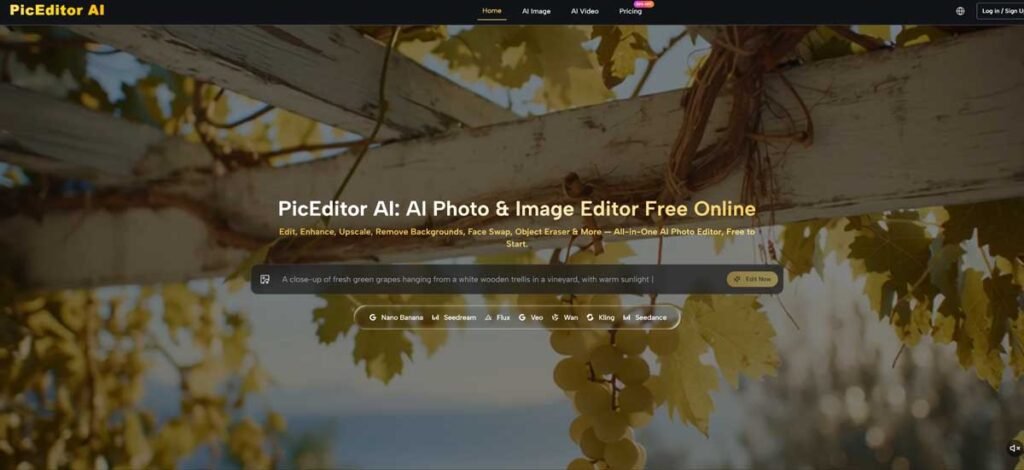
The AI image space has a peculiar problem: too many good options. There is a model that renders text flawlessly, another that produces stunning photorealism, a third that handles artistic styles with remarkable fluency, and yet another that animates still images. Each one is impressive in its own right. But using them together means juggling tabs, logins, and subscription pages until the creative momentum drains away entirely. That is the problem a well-designed AI Photo Editor should solve—not by building yet another model, but by bringing the best ones together under one roof.
The Aggregation Strategy That Changes the Game
PicEditor AI does not claim to have invented a superior engine. Instead, it has done something arguably more useful for working creators: it integrated multiple industry-leading models into a single editing interface. The roster includes GPT Image 2 from OpenAI, Nano Banana across several variants, Seedream 5.0 Lite and 4.0, Flux Kontext Pro and Max, and Veo 3 alongside Veo 3.1 Lite and Basic. Each of these engines has distinct strengths, and the platform lets you access all of them without switching contexts.
Why This Matters for Real Workflows
In traditional editing software, you are locked into whatever capabilities the application provides. In single-model AI tools, you are at the mercy of that engine’s particular weaknesses. PicEditor AI offers a different proposition: if one model does not quite nail the edit, you can run the same image through another and compare. This is not a theoretical advantage. For someone producing visual content daily, the ability to test multiple interpretations of a prompt without leaving the workspace is a significant time saver.
The Interface Keeps It Simple
Despite the complexity underneath, the front end remains remarkably clean. Upload an image, select what you want to do, and describe the change. The platform handles the rest. There is no requirement to understand which model is best for which task on the first try, though the option to experiment across engines is always available. This low barrier to entry makes the tool accessible to users who are not AI specialists while still offering depth for those who want to dig in.
What the Editing Flow Actually Looks Like
The platform’s workflow is built around speed and clarity. From upload to export, the process is minimal enough that you can complete a full edit in the time it might take to open a traditional application.
Step 1: Get Your Image into the Workspace
The editor opens with a straightforward drop zone. You can drag and drop an image file or click to browse your device. The platform accepts JPG and PNG formats with a maximum file size of 100MB. No account is required to start editing, which removes the friction of signing up before you even know if the tool works for you.
What the File Limit Means in Practice
The 100MB cap is generous enough for professional work. Most DSLR and mirrorless camera exports fall well under this limit, as do high-quality design exports. Heavily compressed or very low-resolution images may not yield the same quality of results, since the AI has less source information to work with. For best outcomes, images with good lighting, clear subject-background separation, and reasonable resolution perform better across all editing functions.
Step 2: Choose Your Edit and Describe It
Once the image is loaded, you select a modification tool—enhance, remove, replace, style-transfer, or animate—and type a description of what you want. The interaction is entirely text-driven. There are no sliders, no layer masks, no curve adjustments to learn. This design choice makes the tool immediately usable for anyone comfortable with describing visual outcomes in plain language.
The Relationship Between Prompt Quality and Results
The output quality tracks directly with the specificity of the prompt. Vague instructions produce generic results. Detailed descriptions produce images that feel intentional and polished. The platform provides example prompts that demonstrate the level of detail that works well. These are not just decorative; they serve as practical guides for users who are new to prompt-based editing. For instance, a prompt like “cinematic portrait with dramatic lighting and film grain” yields a more interesting result than “make this look like a movie still.”
Step 3: Process, Review, and Iterate
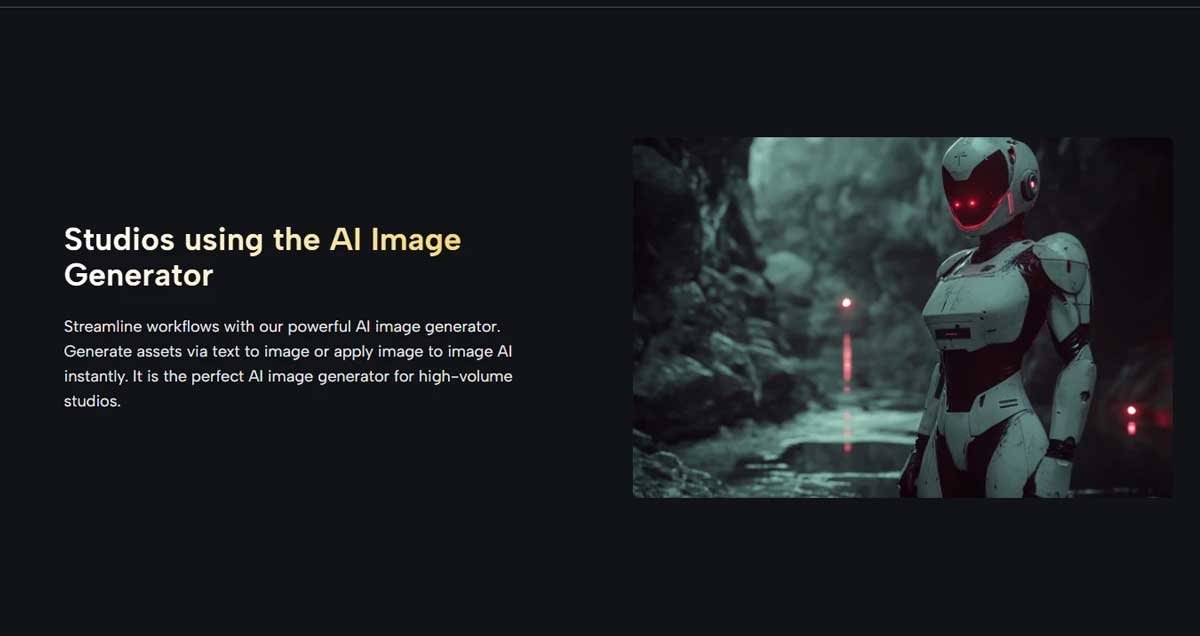
After submitting the request, the platform processes the image and returns the edited version. Most edits complete in seconds, though more complex tasks—particularly those involving significant scene reconstruction or high-resolution output—may take slightly longer. The platform is optimized for speed, which keeps the creative workflow fluid.
The Iterative Nature of AI Editing
Complex edits may require multiple passes. A single prompt does not always nail the intended result on the first try. However, the ability to refine the description and regenerate makes this manageable. The platform does not penalize you for iterating, which encourages experimentation. This is particularly valuable for generative edits like object removal or background replacement, where the AI’s interpretation of the fill may not match your mental image on the first attempt.
A Quick Comparison of Approaches
| Aspect | PicEditor AI | Traditional Software | Single-Model Tools |
| Time to First Result | Seconds | Minutes to hours | Seconds to minutes |
| Control Level | Prompt-based, iterative | Full manual control | Limited to model’s range |
| Model Flexibility | Multiple engines built in | None | One engine only |
| Learning Required | Minimal | Extensive | Low to moderate |
| Best For | Fast edits, exploration, volume | Precision, complex projects | Specific niche tasks |
This trade-off is clear: you sacrifice fine-grained control for speed and simplicity. For many everyday editing needs, that is a worthwhile exchange.
Where the Platform Excels in Practice
From a user perspective, the AI photo editor shines in three specific scenarios.
Quick Fixes Without Software Overhead
Enhancing a product photo, removing a distracting element, or replacing a sky no longer requires opening a heavy desktop application. The AI handles these tasks in seconds, and the results are often good enough for web use, social media, or presentation decks.
Style Exploration Without Commitment
Style transfer lets you test visual directions rapidly. Want to see how a portrait looks as a watercolour or a cyberpunk illustration? Describe the style, and the platform returns an interpretation. This is invaluable for designers who need to present multiple concepts quickly.
Adding Motion to Still Images
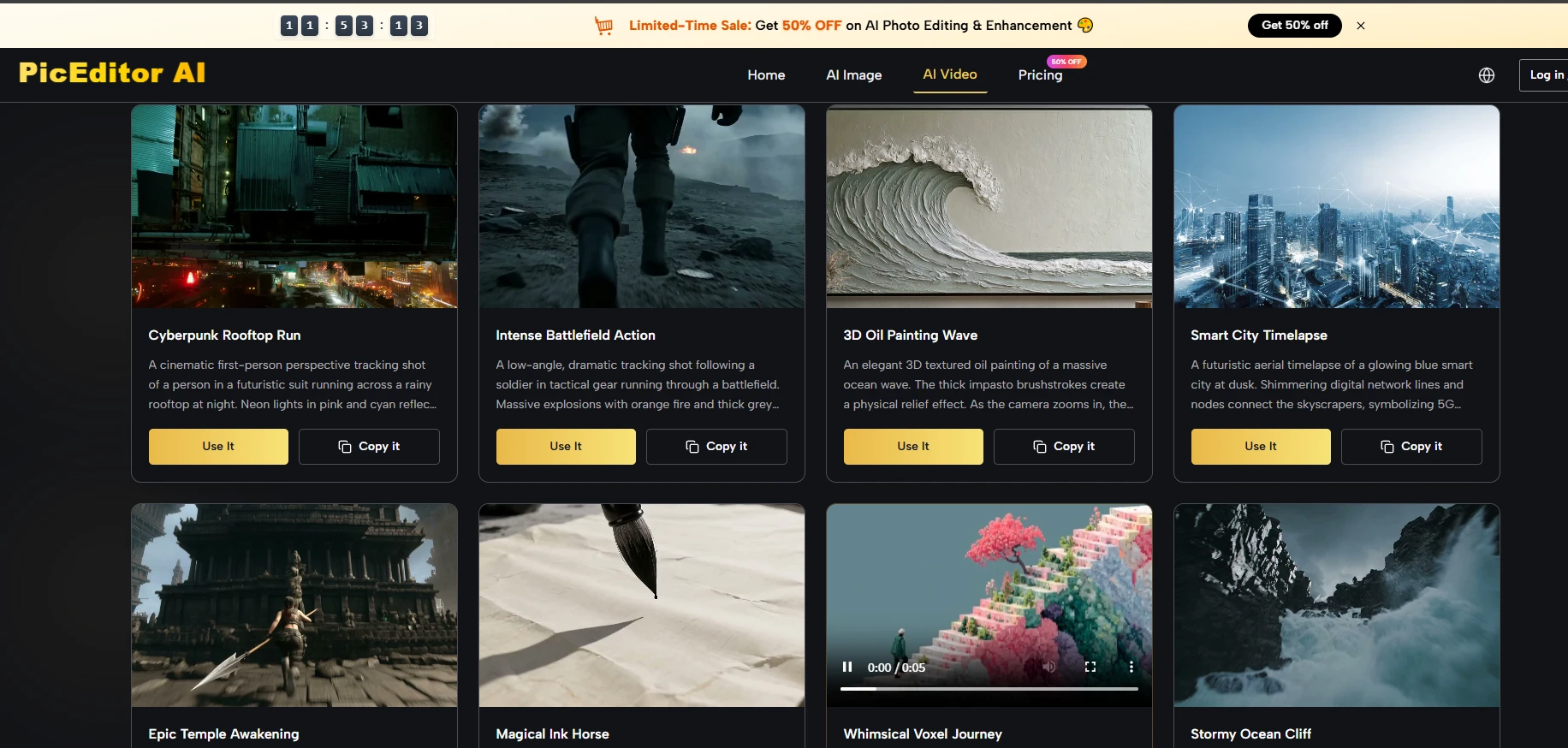
The photo-to-video feature adds cinematic pans and zooms to static images. The motion is generated, not keyframed, so you do not have full control—but for social media loops or website heroes, the effect adds a layer of polish that a static image cannot match.
Honest Limitations to Consider
The platform is not without constraints. Prompt quality determines output quality; vague instructions produce mediocre results. Complex scenes with overlapping elements may require multiple regeneration attempts. The motion generation is not deterministic—some images animate beautifully, others fall flat. And while multiple models are available, you may need to experiment to find which one works best for your specific task, since the platform does not currently offer explicit guidance on model selection.
The core functionality is free, which makes experimentation low-risk. For high-volume users, the unlimited plan offers eight concurrent generations and uncapped credits, pointing toward team and agency use cases.
A Practical Answer to a Fragmented Market
The AI image space will keep evolving, with new models arriving constantly. That is exactly why an aggregator approach makes sense. Instead of chasing each new release and learning a new interface, you get a single workspace that updates its model roster behind the scenes. The AI Photo Edit experience is not about being the most powerful tool—it is about being the most usable. The core functions are free, the interface is straightforward, and the results, while not guaranteed on the first try, are often surprisingly good. For anyone tired of the fragmentation that defines AI creativity today, this is a refreshing alternative.
