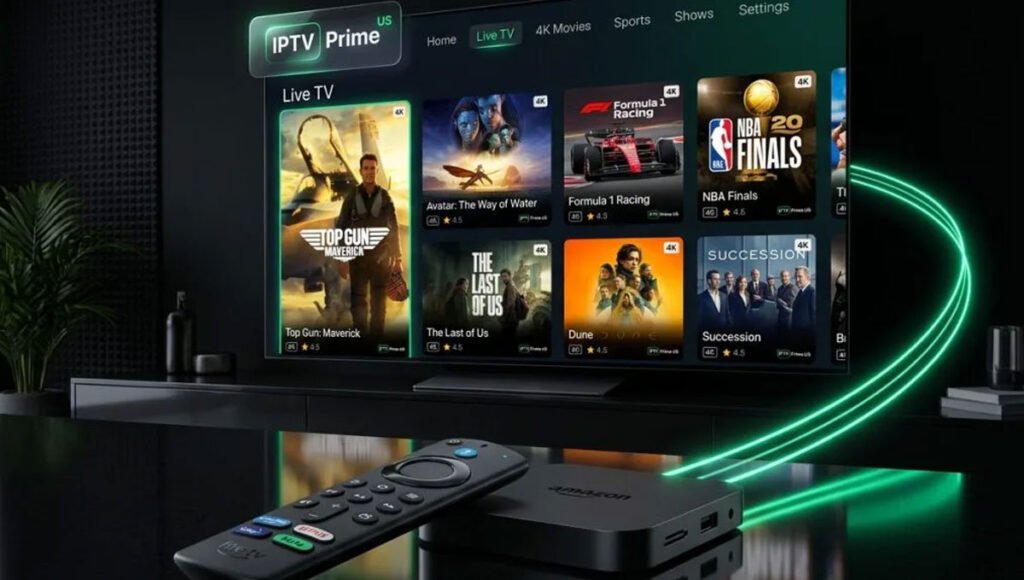
Streaming technology is often marketed through numbers: thousands of channels, vast on-demand libraries, and ever-higher video resolutions. Yet none of those features helps much if viewers cannot find the right program when they want it. That is where an electronic program guide, or EPG, becomes an important part of the internet television experience.
For anyone comparing IPTV services or setting up a new player, understanding the program guide can be more useful than memorizing technical specifications. A well-organized guide connects channel information, schedules, search tools, and personal preferences in one accessible interface.
What Does an IPTV Electronic Program Guide Do?
An EPG is the schedule displayed within a television or streaming application. Depending on the player and available data, it can show the current program, what is coming next, start and end times, brief descriptions, and the progress of a live broadcast. Some guides also include artwork, categories, or episode details.
Unlike a simple list of channel names, a guide answers an immediate question: “What is actually on right now?” Viewers can scan several channels without opening each stream. This is especially helpful when they watch news, live events, documentaries, or programming in multiple languages.
Why Guide Accuracy Matters More Than a Large Channel List
A channel lineup may look impressive, but inaccurate schedule information can make the service frustrating. A guide with missing descriptions or incorrect time slots forces users to guess what is playing. It can also make searching for a specific event unnecessarily difficult.
Guide reliability depends on several components: the schedule data source, how frequently the player refreshes it, the channel-to-guide mapping, and correct time-zone settings. If a channel displays the wrong show, the stream itself may be working perfectly; the underlying guide information may simply be out of sync.
Five Features That Make Channel Discovery Easier
The best guide experience is not always the most visually elaborate. Practical functions matter more. When trying an IPTV player, pay attention to the following details:
- Now-and-next information: Can you see what is currently airing and what follows without leaving the channel list?
- Search and categories: Can you narrow the lineup by a program title, subject, language, or channel category?
- Favorites: Can you keep frequently watched channels together instead of scrolling through the full lineup?
- Time navigation: Can you move through upcoming schedules clearly, with accurate local start times?
- Readable design: Are labels, contrast, and remote-control navigation comfortable on the actual television screen?
Not every app supports all these features, and some functions require guide data supplied by the service. The useful approach is to test the exact combination of service, player, and device that will be used at home.
How Time Zones and Updates Affect Live Viewing
Schedule problems can be surprisingly simple. If programs appear an hour early or late, check the device clock, the player time-zone preference, and any daylight-saving setting before assuming that a channel is mislabeled. A guide may also need to refresh after a service update or an extended period offline.
Refreshing the EPG is different from improving streaming bandwidth. One updates the schedule database; the other affects playback. Separating these tasks makes troubleshooting faster and avoids changing settings that were already working.
What About Catch-Up TV and On-Demand Programs?
An electronic guide can sometimes link to catch-up programs or recorded broadcasts, but those features are not automatic parts of IPTV. Availability depends on the service, content rights, and player capabilities. Likewise, a video-on-demand library may use a different browsing interface from live-channel schedules.
Before choosing a subscription, confirm which features are genuinely available rather than assuming that an EPG implies recording, replay, or catch-up access. It is also important to confirm whether the intended content is licensed for the viewer’s location.
A Practical Checklist Before Choosing a Service
Start by asking whether the provider publishes clear device instructions and explains how channel information is delivered. Next, check if the player supports favorites and guide refreshes, and whether the channels you care about have dependable schedule data. A short evaluation during your normal viewing hours can reveal more than a promotional screenshot.
When researching a provider such as Strong8K IPTV (strong8k.site), review its setup information and service terms alongside the EPG experience of the player you intend to use. The quality of the final interface depends on both the service data and the application, so it should not be assumed from a provider name alone.
The Real Value of a Better Guide
People do not sit down to watch television because they want to manage a database. They want to find a program quickly and spend the rest of their time enjoying it. An accurate, readable IPTV program guide helps remove friction between that intention and the screen.
For regular viewers, a dependable EPG, organized favorites, sensible categories, and accurate local schedules can matter far more than an inflated channel count. Those are the features worth evaluating before committing to any internet television setup.
Frequently Asked Questions
Is an EPG the same as an IPTV playlist?
No. A playlist generally identifies streams or channels, while an EPG supplies schedule information. A player may combine the two to display programs beside the appropriate channels.
Why does my IPTV guide show no information?
The guide feed may be unavailable, outdated, or incorrectly mapped to the channels. Check guide settings and refresh options, then contact the service or player support if the problem continues.
Does every IPTV subscription include catch-up TV?
No. Catch-up availability is a separate feature and may depend on individual channels, licensing, and the chosen player.
