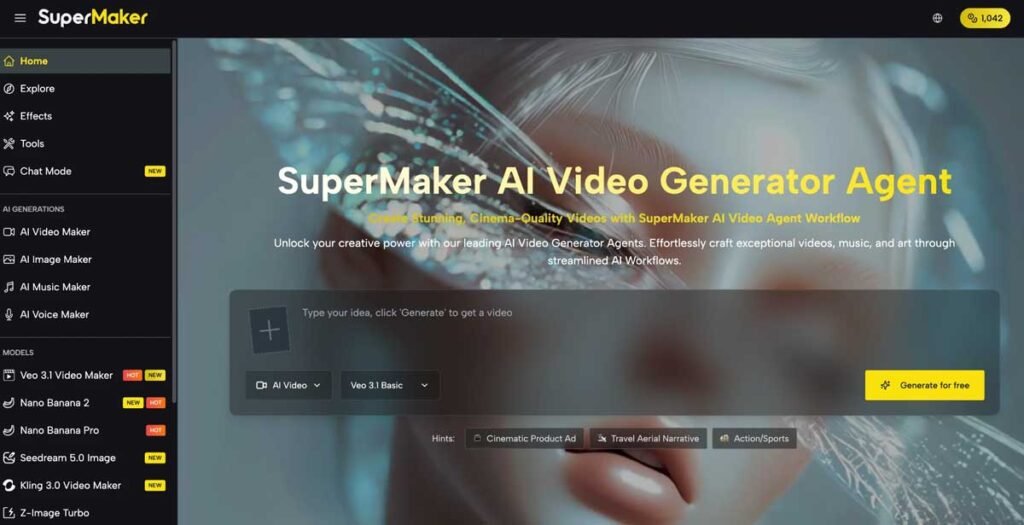
Visual content has never been more central to how we communicate online. From social media feeds to product pages, blog headers to pitch decks, the quality of your visuals directly determines how far your content travels. Yet for most people — marketers, educators, entrepreneurs, and creators — producing professional imagery has always meant hiring designers, buying expensive stock licenses, or spending hours learning complex software.
That equation has fundamentally changed. Today’s AI Image Maker tools transform a plain text description into a high-resolution, publish-ready image in seconds. No design background, no software subscription, no waiting. In this guide, we break down the best options available — and explain exactly what to look for when choosing the right tool for your workflow.
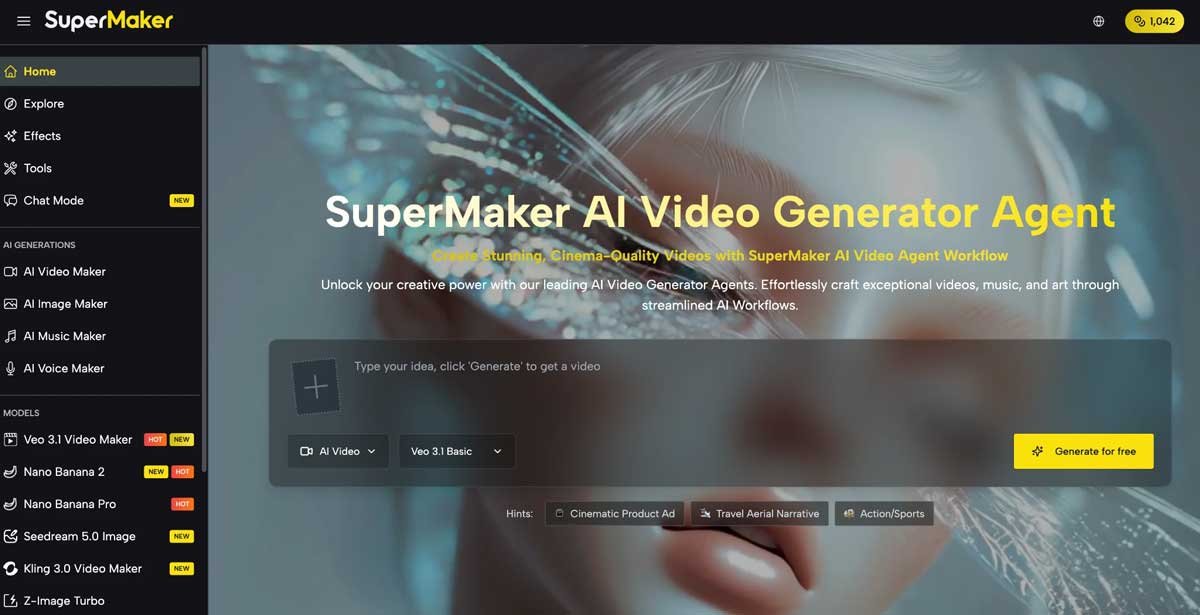
The Real Challenges Creators Face Without AI Image Generation
Before exploring solutions, it’s worth understanding why the old approach consistently fails modern creative workflows:
- Cost overruns: A single professional photo shoot can cost hundreds to thousands of dollars — completely out of reach for solo creators and startups.
- Slow turnaround: Commissioning custom illustrations typically takes 3–7 business days. Content calendars move much faster than that.
- Stock photo fatigue: Audiences immediately recognize generic stock imagery. Overused visuals erode trust and reduce engagement.
- Brand inconsistency: Sourcing visuals from multiple designers or libraries makes it nearly impossible to maintain a cohesive visual identity.
- Technical barriers: Professional design tools like Photoshop require months of learning before producing usable outputs.
These are exactly the pain points that modern AI image generators are designed to eliminate.
What Makes a Great AI Image Maker?
With dozens of platforms competing for attention, knowing what actually matters separates productive tools from wasted time. When evaluating any AI image maker, prioritize the following:
1. Multi-Model Architecture
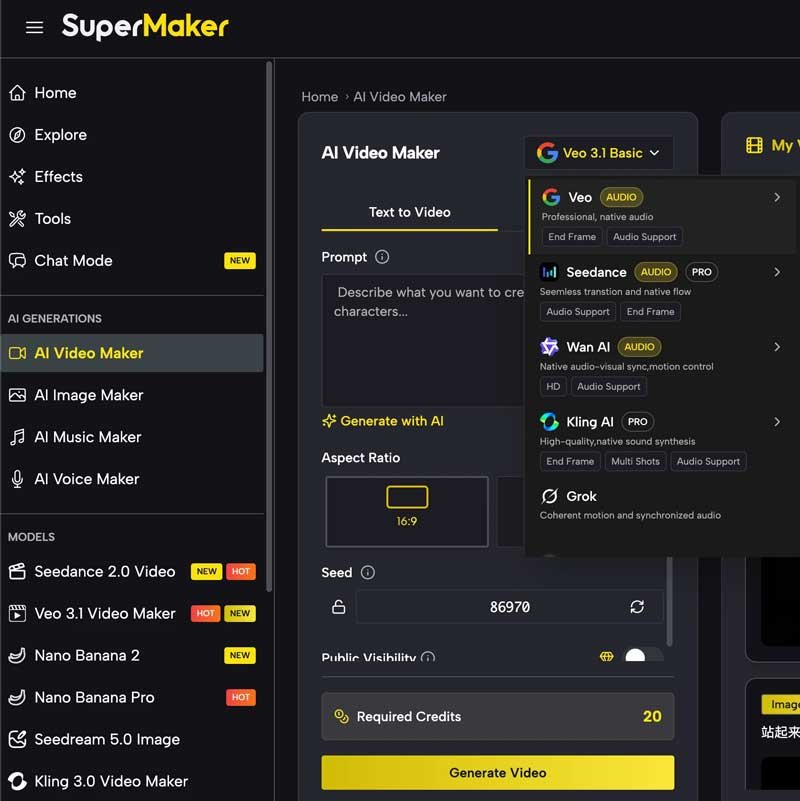
The most capable platforms don’t lock you into a single generation engine. Supermaker AI Image Maker gives users access to six distinct AI models — each optimized for a different visual output style:
- Nano Banana 2 — stylized artistic outputs with vivid color treatment
- Nano Banana Pro — higher fidelity, professional-grade artwork
- Seedream 5.0 — photorealism that rivals commercial stock photography
- Z-Image Turbo — speed-optimized for rapid iteration and prototyping
- GPT Image 2 — complex, multi-element scene composition
- GPT Image 1.5 — reliable general-purpose generation with strong text rendering
This model variety means you can match your generation engine to your specific creative goal — rather than forcing every project through a single stylistic lens.
2. Watermark-Free Output on the Free Tier
Watermarks are the single biggest friction point in AI image tools. Many platforms generate impressive outputs and then brand every image with a visible watermark unless you pay. SuperMaker AI delivers clean, watermark-free downloads even on the free plan — making it genuinely usable from day one.
3. Full Aspect Ratio Control
Different platforms demand different image dimensions. A proper AI image maker should support:
- 1:1 — Instagram posts, profile images
- 16:9 — YouTube thumbnails, website banners, presentation slides
- 9:16 — Instagram Stories, TikTok, Reels
- 4:5 — Facebook and LinkedIn feed posts
- 2:3 — Pinterest pins, portrait artwork
4. Integrated Creative Suite
Standalone image generation is useful, but the most powerful platforms connect image creation to a broader workflow. SuperMaker AI extends its image maker into a full creative suite — including AI video generation, AI music creation, AI voice synthesis, and an AI chat interface. Visuals generated in the image maker can flow directly into video projects and marketing campaigns without leaving the platform.
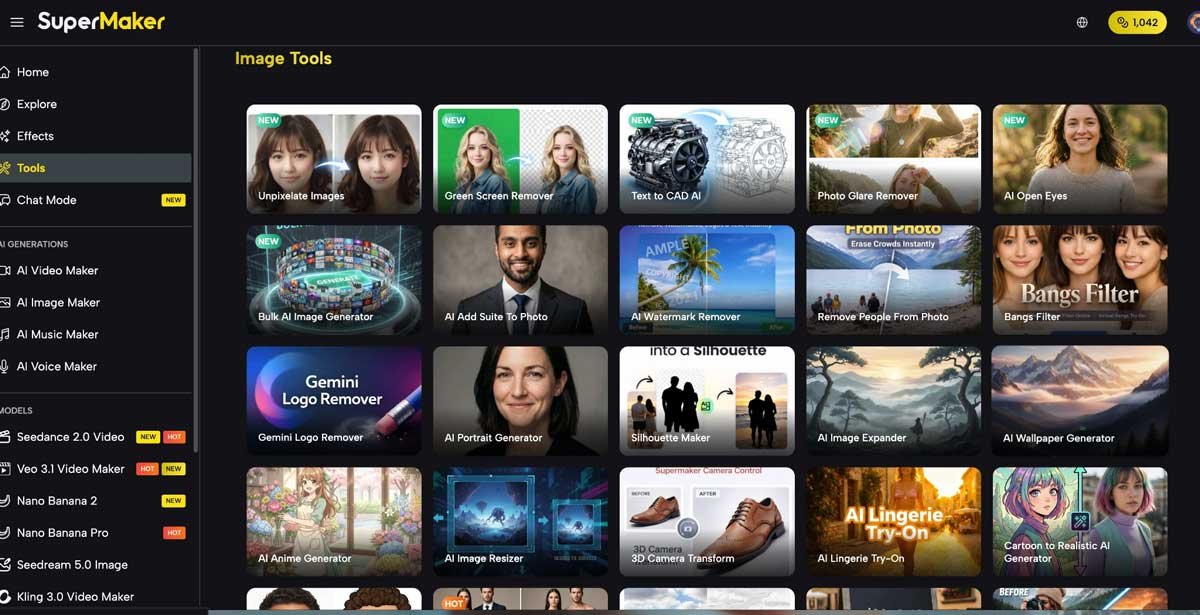
How to Use an AI Image Maker
- Choose your platform and model. Select an AI image maker that supports the visual style you need. For photorealism, choose Seedream 5.0. For stylized art, select Nano Banana.
- Write a descriptive prompt. Specificity drives quality. Include subject, environment, lighting, style, and mood. Example: “A minimalist home office with warm Edison bulb lighting, wooden desk, green plant, cinematic shallow depth of field, 4K photorealistic.”
- Set your aspect ratio. Match the ratio to your intended platform before generating — this avoids cropping and quality loss after the fact.
- Generate multiple variants. Always produce 2–4 variations per prompt. Different outputs from the same prompt can vary significantly in composition and detail.
- Download and deploy. Export your selected image in full resolution, watermark-free. Use it directly in your blog, social post, product listing, or presentation.
Scenarios where AI image generation delivers the most value:
- Content marketing — custom featured images for every blog post, without stock photo licensing
- E-commerce — product lifestyle imagery and mockups generated in minutes, not days
- Social media management — daily visual content across all platforms from a single tool
- Education — custom diagrams, illustrated concepts, and visual aids for courses
- Startup branding — rapid iteration on visual identity before committing to a designer
Best AI Image Maker Tools Compared
| Tool | Core Strength | Best For | Free Plan |
| SuperMaker AI | Multi-model generation + full creative suite | All-in-one creators, marketers | No watermark |
| Midjourney | Artistic / cinematic aesthetic | Professional artists | Paid only |
| DALL·E 3 | Complex prompt accuracy | ChatGPT users | Limited |
| Adobe Firefly | Brand-safe stock assets | Enterprise teams | Limited |
| Canva AI | Quick social media graphics | Non-designers | Basic only |
SuperMaker AI stands out as the only platform combining a genuinely free tier with multi-model access, watermark-free output, and an expanding editing suite — all within a single all-in-one creative platform. Midjourney offers unmatched artistic quality but requires a paid subscription. DALL·E 3 excels at following complex prompts but is tied to the ChatGPT interface.
FAQ: AI Image Maker — Common Questions Answered
What is an AI image maker?
An AI image maker is an online tool that uses generative AI models to convert text descriptions into high-quality images. Users type a prompt describing what they want to see, and the AI produces a matching image in seconds — no design skills required.
Are AI image makers free to use?
SuperMaker AI provides a free plan with no credit card required and watermark-free downloads — one of the most generous free offerings available in 2025.
Can I use AI-generated images commercially?
Commercial rights depend on the platform and plan. SuperMaker AI includes commercial usage rights on its premium plans. The free tier is suitable for personal and non-commercial projects.
How do I write a good AI image prompt?
Include four elements: (1) your subject, (2) the environment or setting, (3) the visual style — phorealistic, watercolor, cinematic, etc. — and (4) mood or lighting descriptors. The more specific your prompt, the more accurate and professional your output.
What is the best AI image maker in 2026?
For overall value, accessibility, and feature depth, Supermaker AI Image Maker ranks as the top choice for most users — offering multi-model generation, no-watermark free tier, and integration with video, music, and voice tools in one platform.
Start Creating
The barrier to high-quality visual content has collapsed. Whether you’re a solo blogger, a startup founder, or a marketing manager, the right AI image maker eliminates the cost, time, and technical skill that used to stand between your ideas and professional-grade images.
The best move is always to start before you’re ready. Try a free tool, generate a few images, and discover firsthand how quickly AI image generation can transform your content workflow.
Visit Supermaker AI Image Maker and generate your first image in under 60 seconds — no account required to start.
